posts
Meet Continuum
An Astro theme that remembers how good Windows Phone felt. Panoramas, live tiles, and a title that flies from the list into the page.
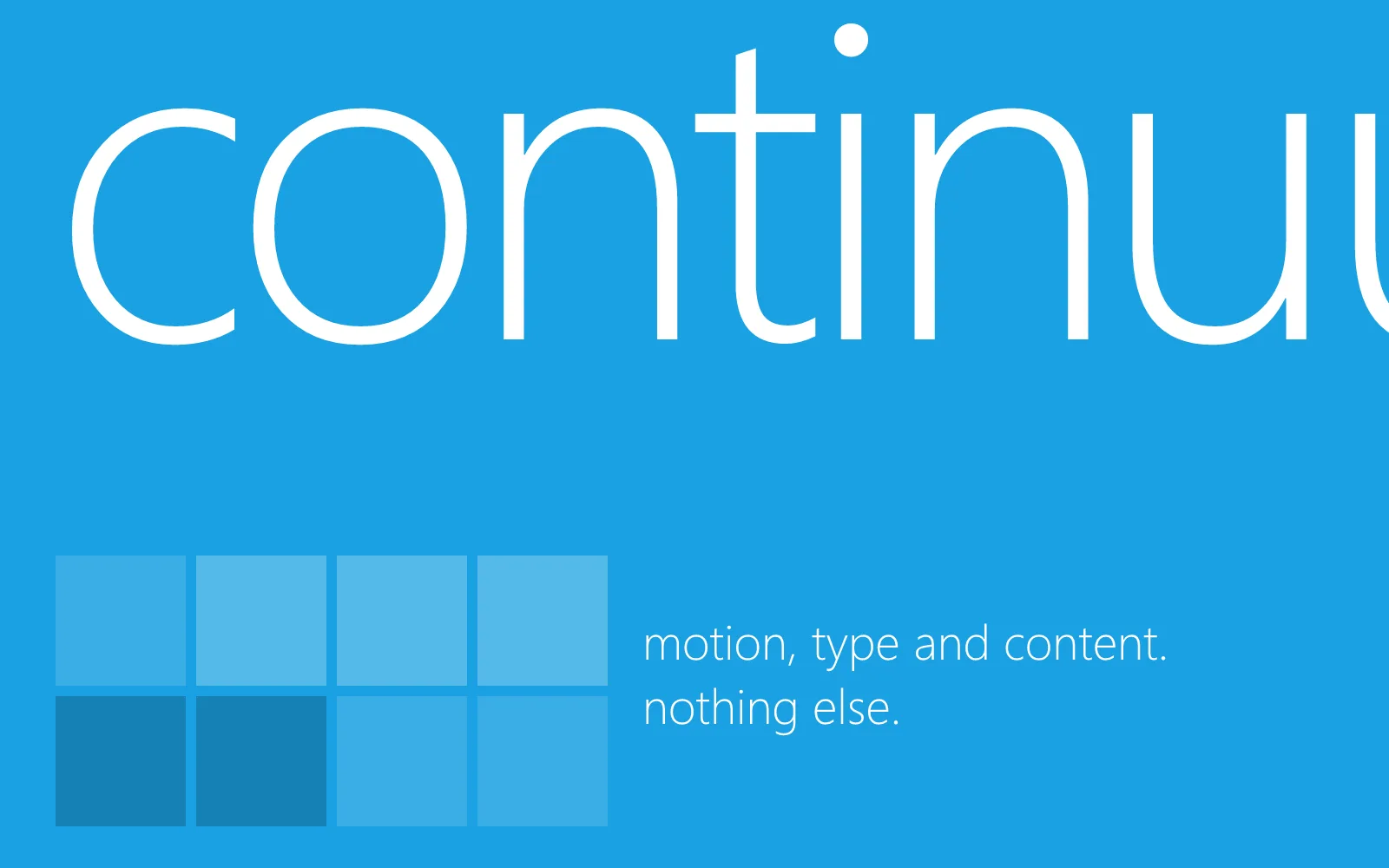

Continuum is an Astro theme built on one idea from Metro, the design language behind Windows Phone and Zune: you should always know where you came from.
When you tap a post in a list, its title doesn’t vanish and reappear on a new page. It lifts out of the list, everything around it turns away, and it flies up to become the header of the page you opened. Go back, and it flies home again. Windows Phone called this the continuum. The rest of the theme is built around it.
What’s here
- A panorama for a home page. One wide page in sections, a giant title running off the edge, the next section peeking in from the right. Swipe it, drag it, scroll it, or use the arrow keys. It wraps around, and its title drifts slower than everything else.
- The continuum, both ways. Titles fly from lists into headers and back. Covers and tiles open into their pages the way Zune opened an album.
- The turnstile. Every other page change swings on a hinge at the left edge of the screen, item by item.
- Live tiles. Projects sit on a start screen, and the ones with a picture turn over now and then to show it.
- A cropped title at the top of every page. It’s the page you came from, still up there. Click it to go back.
- Settings, like a phone. Visitors can pick dark or light, one of twenty accents, and how much moves.
Content first
None of the motion gets in the way of reading. Pages are fast static HTML with one small script, everything works without JavaScript, and anyone whose system asks for less motion gets none at all.
It’s also a Vault CMS theme: your Obsidian vault is the site. Write in Obsidian or Zeku, and links, embeds, and callouts work the way you expect.
Open src/config.ts to set your title, your accent, and the sections on the hub. Then read the-continuum-transition to see what the motion is doing.