posts
A note on accents
Twenty colors, one at a time. How Continuum keeps the Windows Phone palette at full strength and still passes contrast.
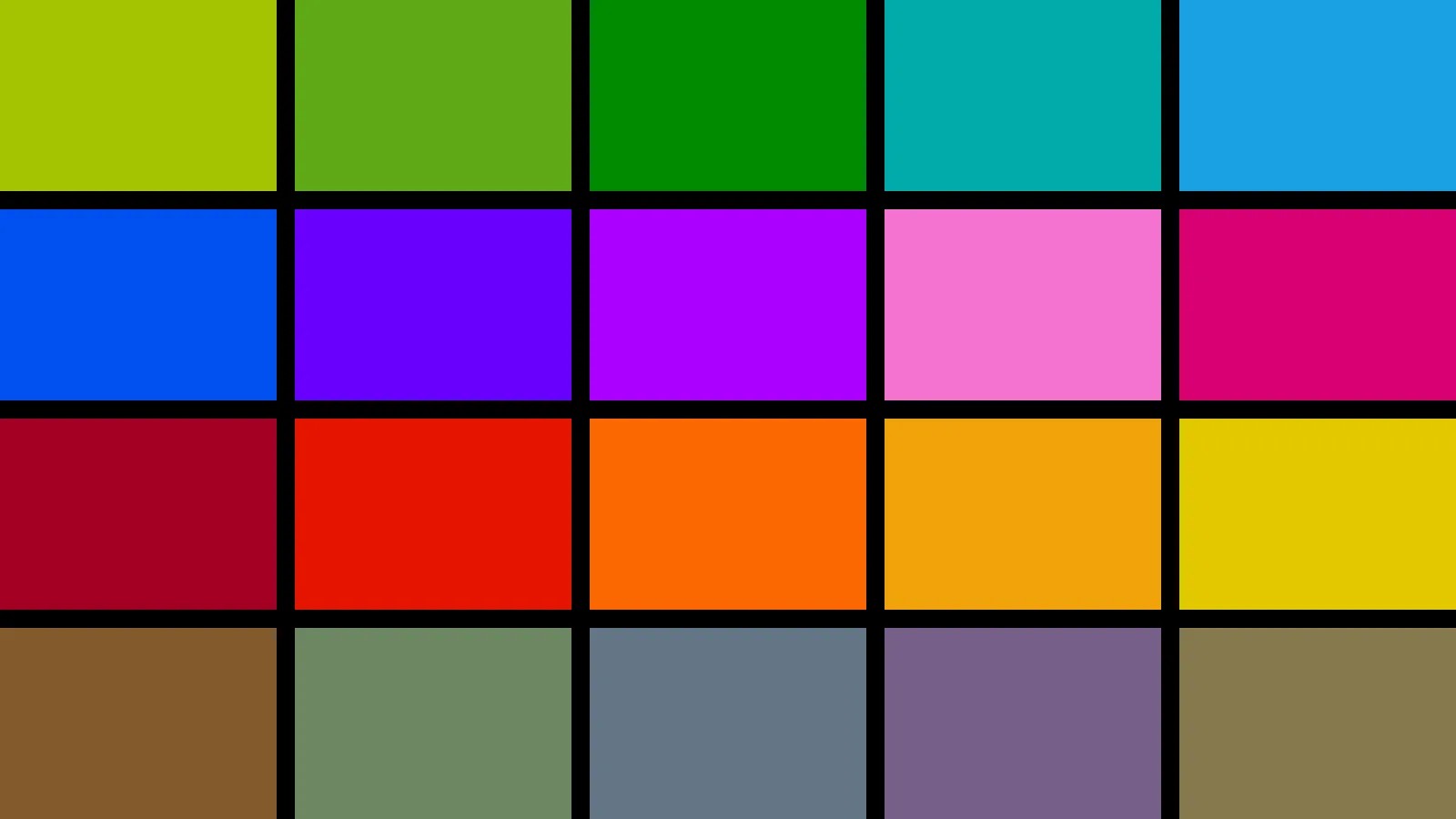
Windows Phone let you pick one color for the whole phone. Every tile, every link, every highlighted word took it on. Continuum keeps that idea and the twenty accents Windows Phone 8 shipped: lime, green, emerald, teal, blue, cobalt, indigo, violet, pink, magenta, crimson, red, orange, amber, yellow, brown, olive, steel, mauve, and taupe.
The default is blue, the one most people remember. It was Windows Phone 7’s, and Windows Phone 8 kept it under a new name, cyan, which Continuum still answers to.
Fills and text are different jobs
A tile is a big block of color, and it should look exactly like the phone did. Small accent-colored text is another matter: cobalt on black is hard to read at fifteen pixels. So each accent gets a text tone for each background, lightened on black and darkened on white until it passes 4.5 to 1, while the fills stay untouched.
Labels on tiles are white, the way the phone drew them. Only the three palest, lime, amber, and yellow, get black labels, because white on them stops reading at all.
Per post, per project
This post is magenta because its frontmatter says accent: magenta. Give any post, project, or page an accent and its links, dates, and tile follow it.
Visitors choose too
With visitorChoice on in src/config.ts, visitors get a settings page with the same accent list a phone had, plus dark and light. Their choice stays on their device. Turn it off and everyone sees the site the way you set it.