posts
Formatting reference
Everything Markdown and Obsidian can do, set in Continuum's type. Keep this note around while you write.
This page shows every kind of formatting the theme styles, in the order you’re likely to reach for it.
Text
Regular text, bold, italic, struck through, inline code, and a highlight. Inline tags like #design link to their topic when it has a page.
A link to another site opens in a new tab. A link to a note works by name: meet-continuum, or with your own words: the type post.
Headings
A third-level heading
A fourth-level heading
Headings get anchors, so you can link straight to them: Callouts.
Lists
- A plain list
- With a second item
- And a nested one
- Back out again
- A numbered list
- Counts on its own
- In the accent color
- A finished task
- One still to do
Quotes
Typography is beautiful. Period.
Callouts
A note, with the default title.
And more than one paragraph.
Like this.
A folded callout
It stays shut until you open it.
An open one that can fold
Click the title to close it.
Every Obsidian callout type works, along with its aliases.
Code
// The curve every Continuum motion uses: fast out, soft settle, no bounce.
export const metro = 'cubic-bezier(0.1, 0.9, 0.2, 1)';

export function turn(el: Element, dir: 'forward' | 'back') {
  return el.animate([{ transform: 'rotateY(0)' }, { transform: `rotateY(${dir === 'forward' ? 64 : -52}deg)` }], 200);
}
Tables
| Gesture | On the hub | In a list |
|---|---|---|
| Swipe | next section | scrolls |
| Tap | opens | opens |
| Back | pans home | flies back |
Images
An image from the attachments folder, sized to 480 pixels:
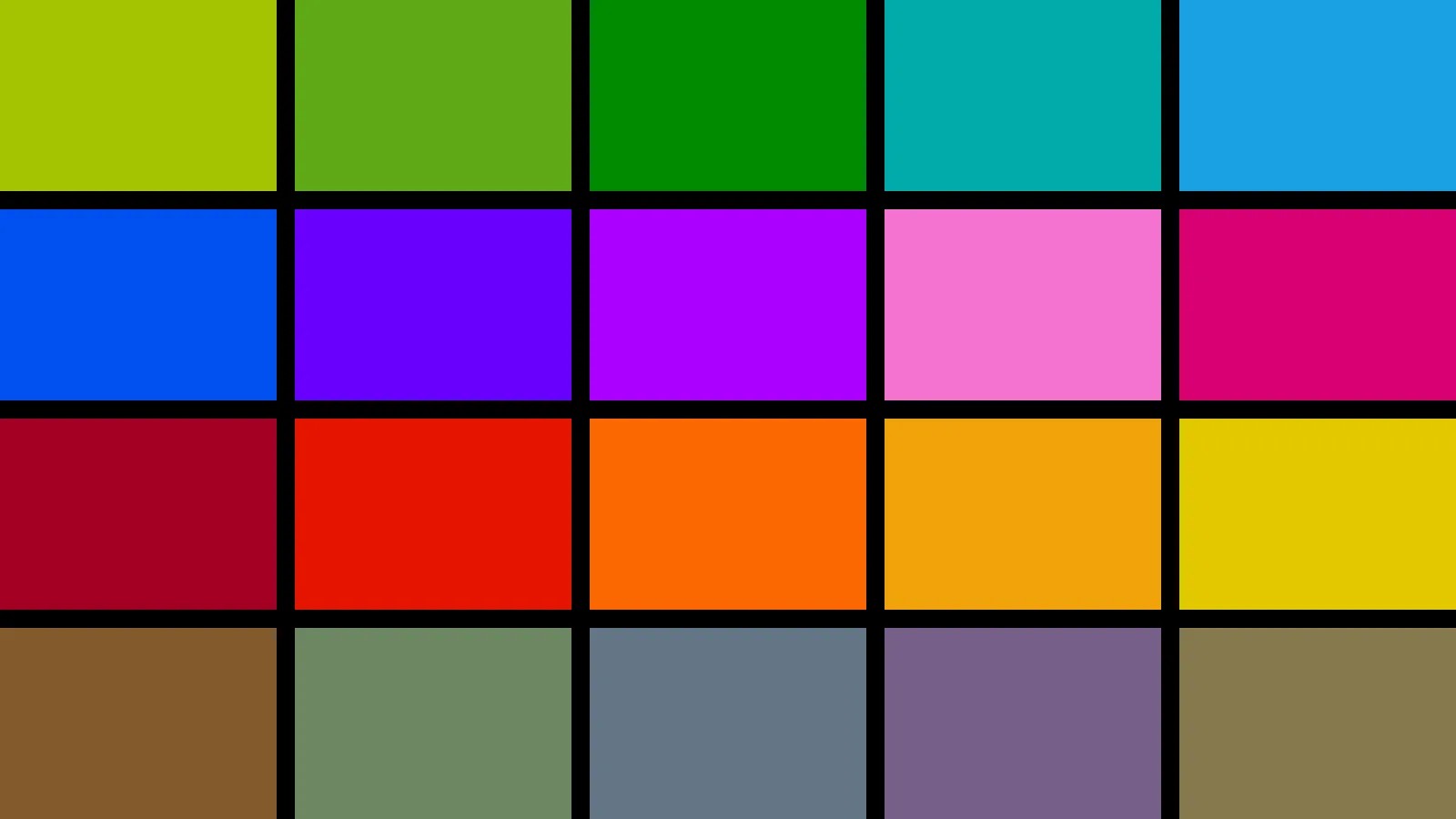
The same with Markdown’s syntax:
Embedded notes
A note embedded with ![[...]] shows as a card that opens it:
Video
A YouTube link as an image becomes a player that loads only when you press play:

Math
Inline math like , and a block:
Diagrams
flowchart LR
  tap[Tap a card] --> lift[Title lifts]
  lift --> turn[List turns away]
  turn --> fly[Title flies to the header]
  fly --> land[Page turns in]
Footnotes
Metro’s curve is fast out and soft to settle.1
Footnotes
-
It’s
cubic-bezier(0.1, 0.9, 0.2, 1), the same one the Metro documentary’s motion uses. ↩